I don’t have a static IP at home, and running a PC 24/7 costs more than hosting on Fly.io , especially since you only pay for what you use.
This means you can shut the server down when you’re done playing or, even better, configure it to start when you want to play and stop automatically when no one is online.
How to
Here’s how to set it up, it’s dead simple. First, if you don’t have a Fly.io account, create one. Then, install flyctl using Homebrew. For other operating systems, check the installation guide .
brew install flyctlNext, create a folder. Below is an example for Linux and macOS. On Windows or using a GUI, simply create a folder and add a Dockerfile (no extension) and a fly.toml file.
# 1. Create the folder
mkdir ~/minecraft && cd ~/minecraft

# 2. Create the files
touch Dockerfile fly.toml
Here’s the Dockerfile content:
FROM itzg/minecraft-server

RUN apt-get install -y vim

# plugins

COPY ./plugins/PasswordProtect.jar /plugins/PasswordProtect.jar
COPY ./plugins/PasswordProtect/config.yml /plugins/PasswordProtect/config.yml

COPY ./init-scripts/update-config.sh /docker-entrypoint-init.d/update-config.sh
RUN chmod +x /docker-entrypoint-init.d/update-config.sh
And here’s the fly.toml content. Note that I’m running a public server anyone can join. For better security, explore configuration options here . I also changed the default external port to avoid bot scans. You can install plugins to authenticate users or enable ONLINE_MODE to require valid Mojang accounts.
app = "my-awesome-minecraft-server"

# Below, São Paulo, Brazil is selected; change to a region near you

# Check https://fly.io/docs/reference/regions/

primary_region = "gru"

kill_signal = "SIGTERM"
kill_timeout = 120

[build]
dockerfile = "Dockerfile"

[deploy]
wait_timeout = "5m"

[env]
TYPE = "PAPER"
SERVER_NAME = "This is your server name"
VERSION = "1.20.6"
# Set to TRUE to allow only valid Mojang accounts

ONLINE_MODE = "FALSE"
EULA = "TRUE"
DIFFICULTY = "normal"
ENABLE_WHITELIST = "FALSE"
ENABLE_AUTOSTOP = "TRUE"
AUTOSTOP_TIMEOUT_EST = 120
AUTOSTOP_TIMEOUT_INIT = 120
MEMORY = "3G"
AUTOSTOP_PKILL_USE_SUDO = "TRUE"
# Message displayed when connecting to the server

MOTD = "Hello Minecraft!"

[mounts]
source = "minecraft_data"
destination = "/data"

[[vm]]
memory = '4096mb'
cpu_kind = 'shared'
cpus = 4

[[services]]
internal_port = 25565
protocol = "tcp"
min_machines_running = 0
max_machines_running = 1
# Minecraft handles autostop, so Fly doesn't stop the machine

auto_stop_machines = false
auto_start_machines = true

[[services.ports]]
port = "25666"

[[services.tcp_checks]]
grace_period = "10s"
interval = "5s"
timeout = "3s"
Now, open a terminal, navigate to the folder, and run:
fly deployThis builds the Docker image, uploads it, and starts the server. Next, attach a static IP:
# List your machines, replacing <app-name> with, e.g., "my-awesome-minecraft-server"
fly machines list -a <app-name>

# Attach the IP, replacing <machine-id> and <app-name> with values from the list
fly machine egress-ip allocate <machine-id> -a <app-name> -y
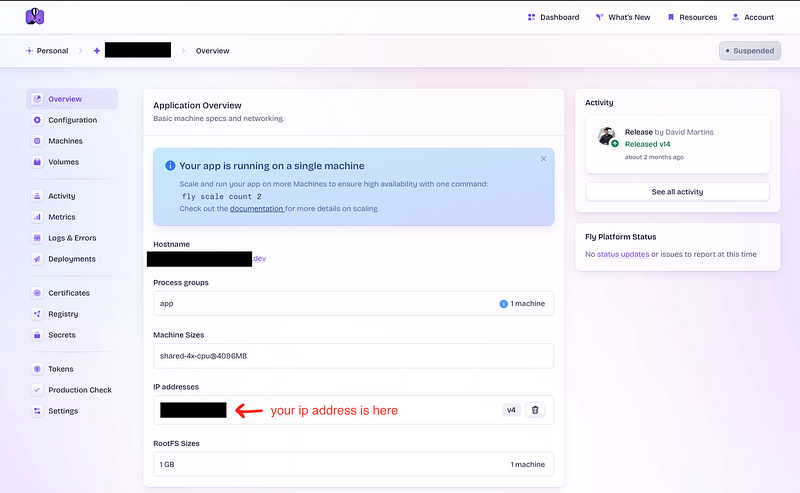
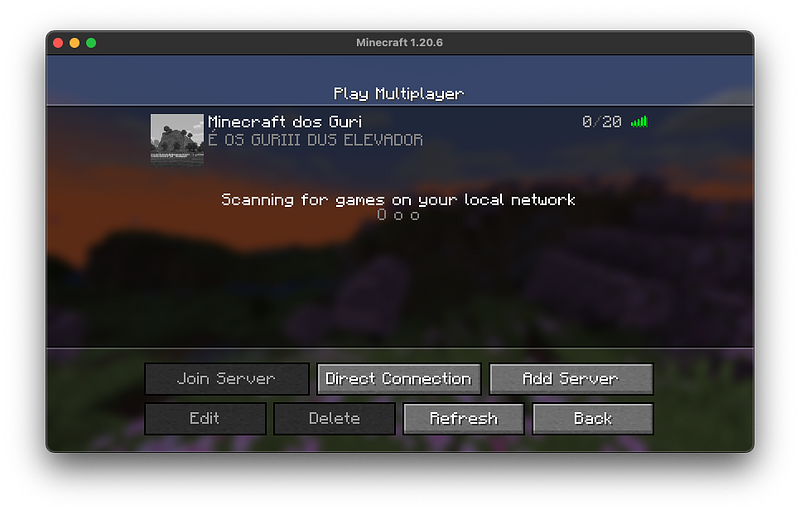
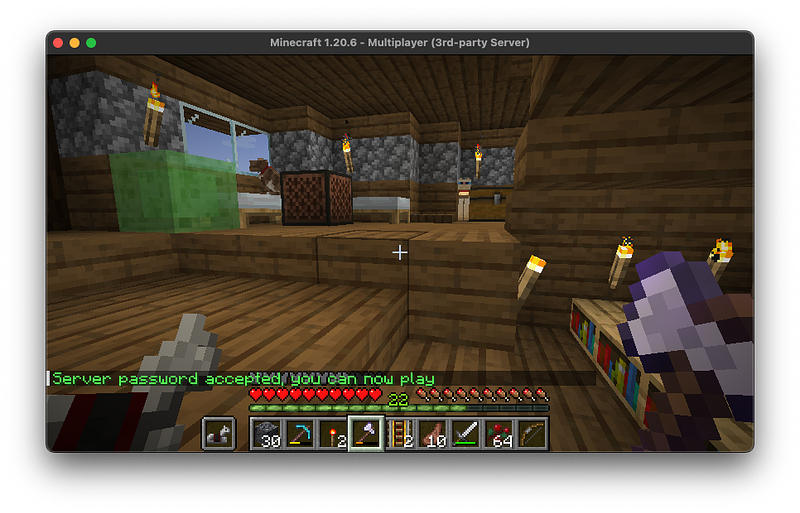
Restart the machine, then use the IP and port to connect to the server.
How it works
When you connect to the server, Fly.io detects the request on the specified port and checks if the machine is running. If it’s not, it starts it, which can take 3–15 seconds, so you might see timeouts on your first attempts until the server is fully up.
When no one is connected for 1 minute, the server shuts down automatically.
How much does it cost?



An entire month costs me around $6.
The cost is based on your usage plus the static IP. If your monthly bill is $5 or less, you pay nothing, so for many, this setup is free.
For precise pricing, check the pricing list .